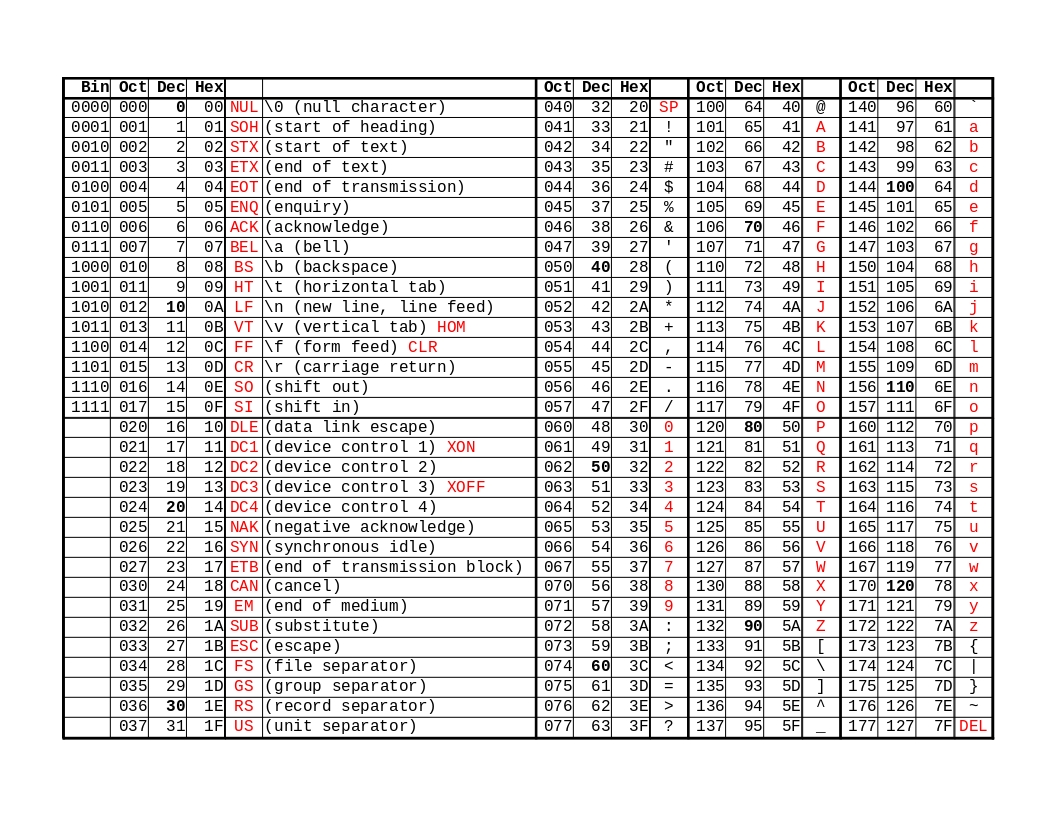
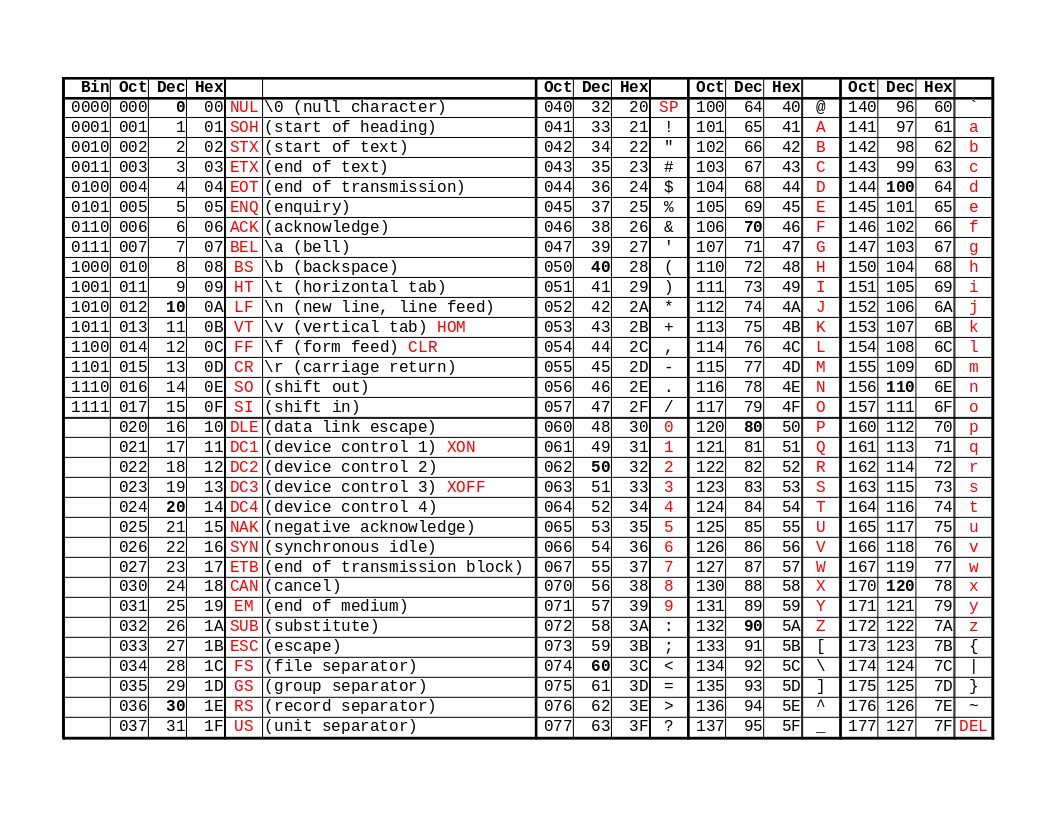
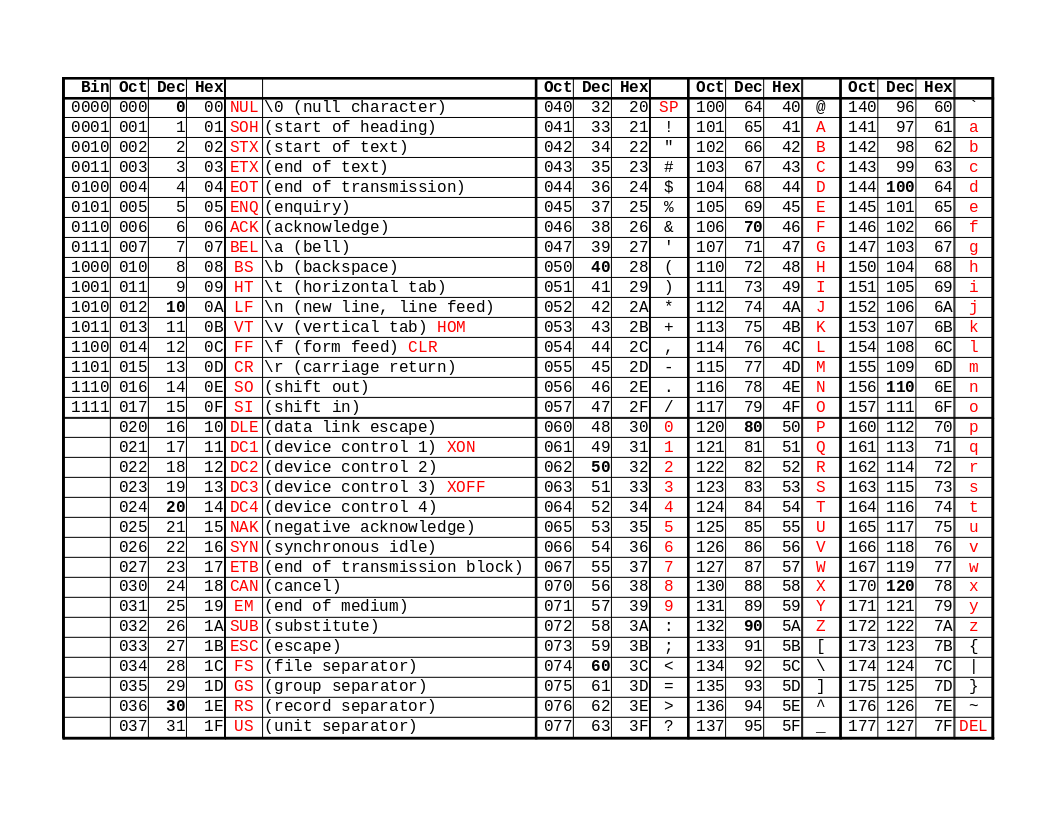
The control character names are mostly generics, but what’s included are the names used by Epson ESCPOS interpreter.
Similar to what you get from man ascii.
Shell script to convert ASCII name to binary data, or binary data to ASCII name.
printat.sh asc... > binprintat.sh < asc > binprintat.sh -r < bin > ascprintat.sh -hprintat.sh asc... > bin
If argument is ASCII name/char, then print the ASCII value.
If it’s decimal [0-9]+, hex [0-9a-fA-F]+h or 0x[0-9a-fA-F]+, then print
the number in little-endian format. If the number is inside word(...),
print only the last 2 bytes. If dword(...), print the last 4 bytes. If
a number starts with ' (apostrophe), treat the number as string, like
spreadsheet does.
Otherwise, it’s string, so print it verbatim.
printat.sh NUL ESC              # 0x00 0x1b
printat.sh 0 48 1bh 0x1b        # NUL 0 ESC ESC
printat.sh word(258)            # 0x02 0x01
printat.sh dword(0x04030201)    # 0x01 0x02 0x03 0x04
printat.sh abcd                 # abcd
printat.sh < asc > bin
Same, but read from file instead of command line. Contents will be broken up into whitespace separated words.
printat.sh -r < bin > asc
If -r is the only argument, then do the reverse. Convert binary to
ASCII name/char. Similar to od -a but uppercase ASCII name/char, and
no line breaks.
printat.sh -h
Print this.